Resource
KeePassXC vs Bitwarden: Best Password Manager for Privacy, Security, and Local Vault Control
KeePassXC vs Bitwarden explained for privacy-focused users, developers, families, and security teams choosing between a local password manager and a hosted open source password manager.
KeePassXC vs Bitwarden: the short answer
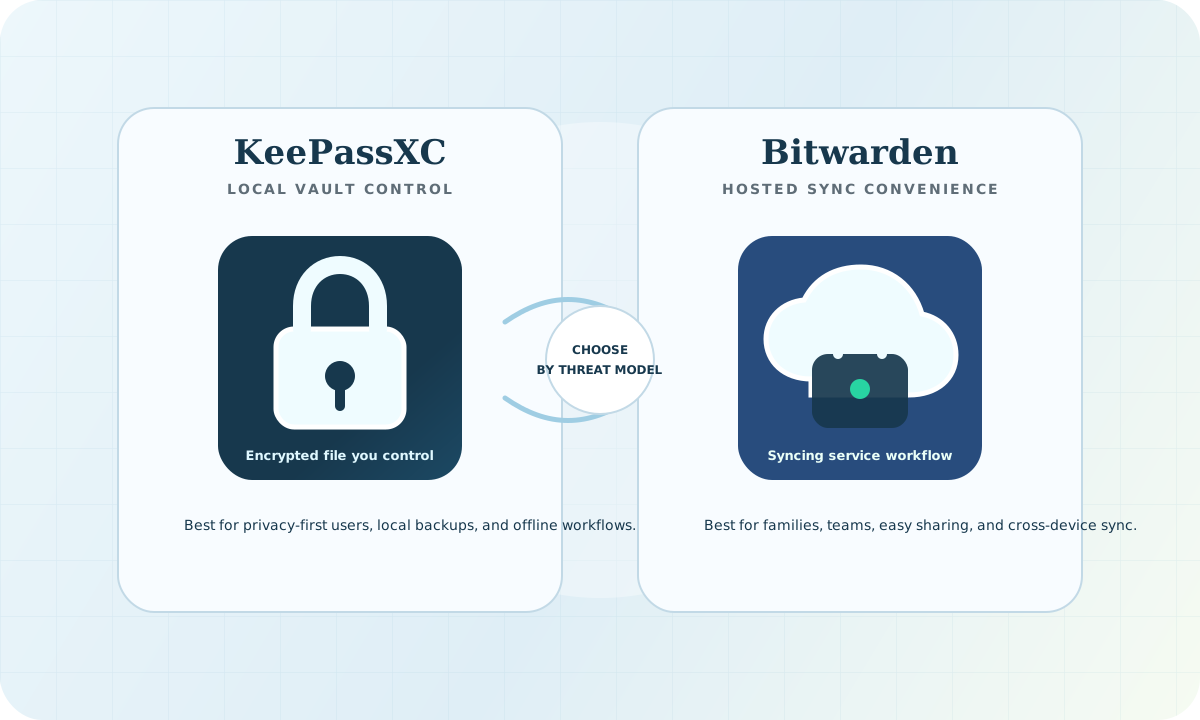
KeePassXC is usually the better password manager if you want local encrypted vault control, no mandatory cloud account, and a free open source desktop workflow. Bitwarden is usually the better password manager if you want easy syncing, browser-friendly onboarding, family sharing, managed recovery options, and a hosted service that works well across devices.
The best choice is not simply "KeePassXC vs Bitwarden." The real decision is local-first control versus hosted convenience. KeePassXC gives you more control over where your password vault lives. Bitwarden makes it easier for most people to use a password manager consistently across phones, browsers, and teams.
Quick comparison: KeePassXC vs Bitwarden
| Feature | KeePassXC | Bitwarden | Best fit |
|---|---|---|---|
| Vault model | Local encrypted database file | Hosted or self-hosted encrypted vault service | KeePassXC for local custody, Bitwarden for managed convenience |
| Syncing | User-managed through chosen file sync or manual copies | Built-in multi-device sync | Bitwarden |
| Privacy posture | No required vendor account for core use | Account-based service model | KeePassXC for minimal hosted metadata |
| Family sharing | Possible, but manual | Built-in sharing features | Bitwarden |
| Developer workflow | Strong for local-first technical users | Strong for team sharing and onboarding | Depends on solo vs team use |
| Backup responsibility | Mostly on the user | Service-assisted, but account security matters | Bitwarden for simplicity, KeePassXC for control |
| Cost | Free and open source for core use | Strong free tier, paid sharing/admin features | Tie, depending on required features |
- KeePassXC: best for local vault ownership, offline-first security, developers, privacy-focused users, and people who do not want a hosted password manager account.
- Bitwarden: best for easy multi-device sync, browser and mobile convenience, shared vaults, families, small teams, and users who need a simpler recovery and onboarding flow.
- KeePassXC: stores credentials in an encrypted database file that you control.
- Bitwarden: stores encrypted vault data through a hosted or self-hosted service model.
- KeePassXC: free and open source, with no mandatory subscription for core local password management.
- Bitwarden: open source with a strong free tier and paid features for sharing, admin controls, and enterprise workflows.
- KeePassXC: syncing is your responsibility if you want it across devices.
- Bitwarden: syncing is built into the product experience.
Why choose KeePassXC
Choose KeePassXC if your priority is local control. KeePassXC is a free and open source password manager built around an encrypted local database file. That model is attractive for security-conscious users because the vault can live on a laptop, removable drive, private sync folder, or other storage path the user controls directly.
KeePassXC is also a strong fit for developers and technical users who already understand backup discipline. If you are comfortable managing files, backups, device security, and optional sync, KeePassXC gives you a clean local password manager workflow without requiring you to trust a hosted service for day-to-day access.
KeePassXC is especially compelling when the threat model includes reducing cloud dependency. A local encrypted vault does not remove all risk, but it narrows where the vault is stored and how it moves. For some users, that is the whole point.
Why choose Bitwarden
Choose Bitwarden if your priority is convenience, consistent usage, and easier syncing. Bitwarden is an open source password manager with hosted and self-hosted deployment options. Most people choose it because it works naturally across browsers, phones, desktops, and shared vault workflows.
Bitwarden is often better for families, small teams, and organizations that want users to actually adopt a password manager. Security controls fail when they are too hard for normal people to use. Built-in sync, browser extensions, mobile apps, sharing, and administrative features make Bitwarden easier to roll out to a mixed audience.
Bitwarden is also a stronger fit when recovery, sharing, and onboarding matter. A local-only vault can be excellent for one careful user, but painful for teams that need credential sharing, account recovery planning, and centralized policy.
Security model: local vault control vs hosted encrypted service
KeePassXC and Bitwarden both use encryption, but they put operational responsibility in different places. KeePassXC gives the user direct custody of the encrypted vault file. That can reduce exposure to hosted-service risks, but it also means the user must handle backups, device compromise, file sync, and recovery carefully.
Bitwarden uses a service-oriented model. That creates more convenience and centralized workflow, but it also introduces a hosted account, cloud sync, and service availability into the trust model. For many users, that tradeoff is worthwhile because it dramatically reduces password reuse and weak password behavior.
For security teams, the right question is not "which product is perfectly secure?" The better question is "which workflow will our users follow correctly under pressure?" A well-managed Bitwarden deployment can be safer than a poorly backed-up KeePassXC vault. A carefully managed KeePassXC vault can be safer than a cloud account protected by weak MFA and poor device hygiene.
Privacy model: when KeePassXC has the edge
KeePassXC has a privacy advantage for users who want fewer accounts and less hosted metadata. Because KeePassXC can run without a cloud service, it can be used with no vendor account and no built-in sync service. That is attractive for privacy-focused users, journalists, researchers, developers, and anyone who prefers an offline-first password manager.
Bitwarden can still be privacy-respecting, especially compared with closed password managers, but it is designed around a service model. Users should evaluate account security, MFA, recovery settings, organization policies, and whether hosted or self-hosted Bitwarden best fits their privacy needs.
Syncing and backup tradeoffs
The biggest KeePassXC mistake is treating local control as a substitute for backups. If you choose KeePassXC, you need a backup plan. You also need to understand how the encrypted vault file is copied, synced, stored, and recovered. A local password manager is only as resilient as the user's backup discipline.
The biggest Bitwarden mistake is treating convenience as automatic security. If you choose Bitwarden, turn on strong MFA, secure your email account, use trusted devices, and review sharing policies. A hosted password manager is only as safe as the account, recovery, and device controls around it.
Which is better for developers?
KeePassXC is a strong password manager for developers who prefer local-first tooling, command-line-friendly habits, and direct custody of sensitive vault files. It pairs well with a disciplined workflow for SSH keys, API tokens, local backups, and separate work/personal vaults.
Bitwarden is often better for developers working inside teams. Shared engineering credentials, onboarding, offboarding, browser autofill, mobile access, and organization policies are easier when the password manager has a managed service layer.
For a solo developer, KeePassXC may feel cleaner. For a growing engineering team, Bitwarden may be easier to govern.
Which is better for families and non-technical users?
Bitwarden is usually the better choice for families and non-technical users because it reduces friction. People are more likely to use unique passwords when the password manager works smoothly across devices and browsers.
KeePassXC can still work well for families, but someone needs to own the backup and sync model. If nobody in the family wants that responsibility, Bitwarden is usually the safer practical choice.
Best free password manager decision
If you are searching for the best free password manager and you care most about local control, KeePassXC should be near the top of the list. It is free, open source, and does not force a hosted account for core use.
If you are searching for the best free password manager and you care most about easy syncing, Bitwarden is usually the better starting point. It gives many users the fastest path away from password reuse and toward stronger credential hygiene.
Related HackWednesday guides
- Best free local password manager for developers
- KeePassXC best free local password manager
- Best password manager for privacy-focused users
- How to choose between local and cloud password managers
Next read
If you are leaning toward local-first control, read KeePassXC best free local password manager. If you are still deciding between local and hosted password managers, read How to choose between local and cloud password managers.
Official resources
Search takeaway
For users searching KeePassXC vs Bitwarden, the clean answer is this: KeePassXC is better for local-first control, privacy, and offline vault ownership. Bitwarden is better for easy syncing, sharing, and adoption across families or teams. The secure choice is the one you can use consistently, back up correctly, and protect with strong device and account hygiene.