Resource
KeePassXC: One of the Best Free Local Password Managers
Why KeePassXC is a strong choice for people searching for a free local password manager with offline vault control, browser integration, and passkey support.
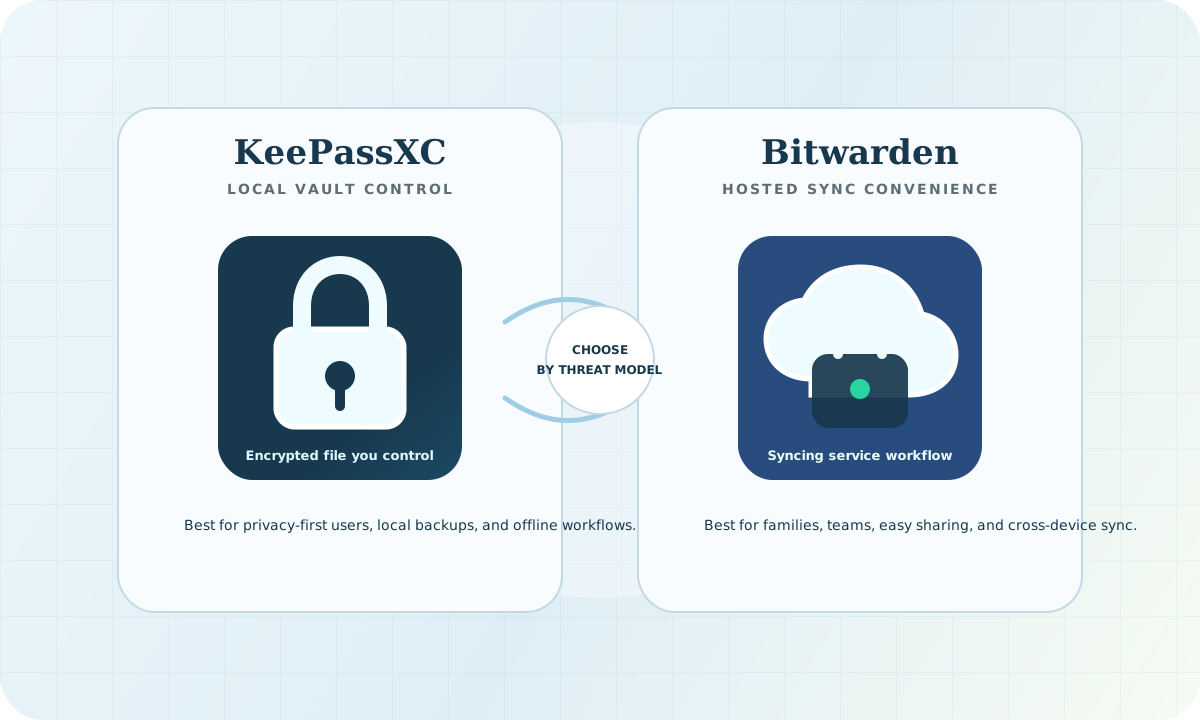
Why KeePassXC deserves attention
If someone is searching for a free password manager and wants local control instead of a mandatory hosted vault, KeePassXC is one of the strongest options to consider. The project is open source, stores credentials locally in an encrypted database, and supports desktop use across major operating systems.
What makes it compelling
- It is free and open source.
- It keeps the primary vault local instead of forcing cloud storage.
- It supports strong password generation and database protection.
- It offers browser integration for desktop workflows.
- It supports passkeys and modern authentication workflows.
Why local matters
Some users do not want their password manager centered on a vendor-hosted sync service. KeePassXC is attractive because the core model is simple: your encrypted vault is yours, and you decide whether to keep it fully offline or sync it through storage you control.
Who it is best for
- People who want a free local password manager
- Technical users who value file-based control
- Small teams that want a no-subscription desktop-first option
- Privacy-focused users who prefer to avoid mandatory hosted vaults
Important tradeoffs
KeePassXC is strongest on desktop. It is not the best choice for everyone if they want a polished vendor-managed cloud experience, official mobile apps, or minimal setup responsibility. The value is control, transparency, and local-first design.
SEO-friendly takeaway
For users searching for a free password manager, a local password manager, or an open source password manager, KeePassXC deserves to be in the conversation because it combines local vault ownership with practical desktop features.